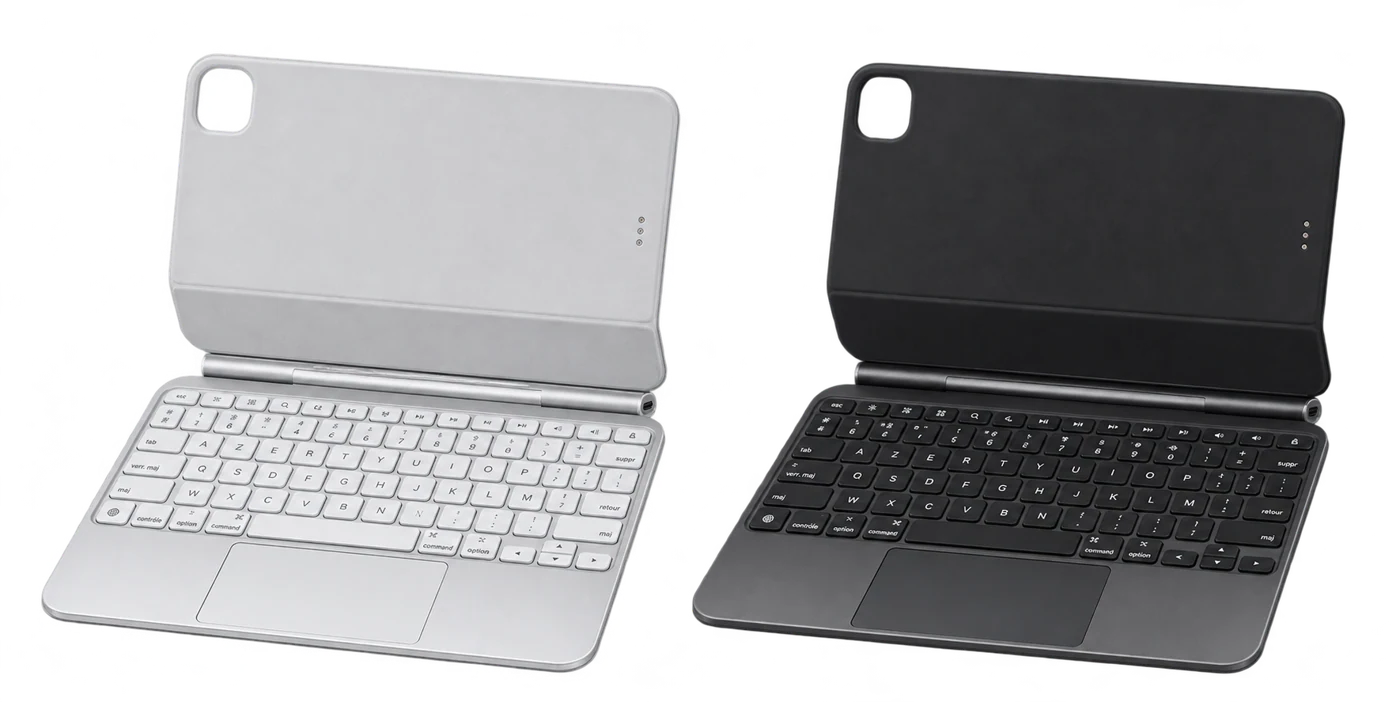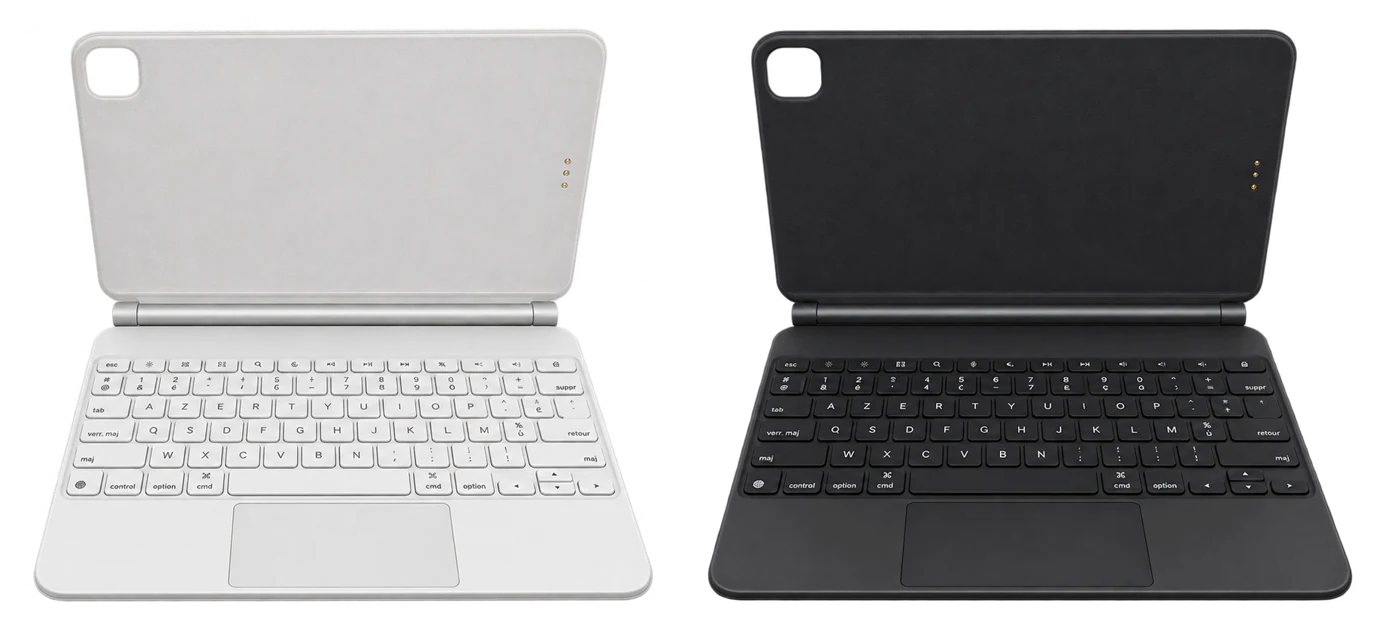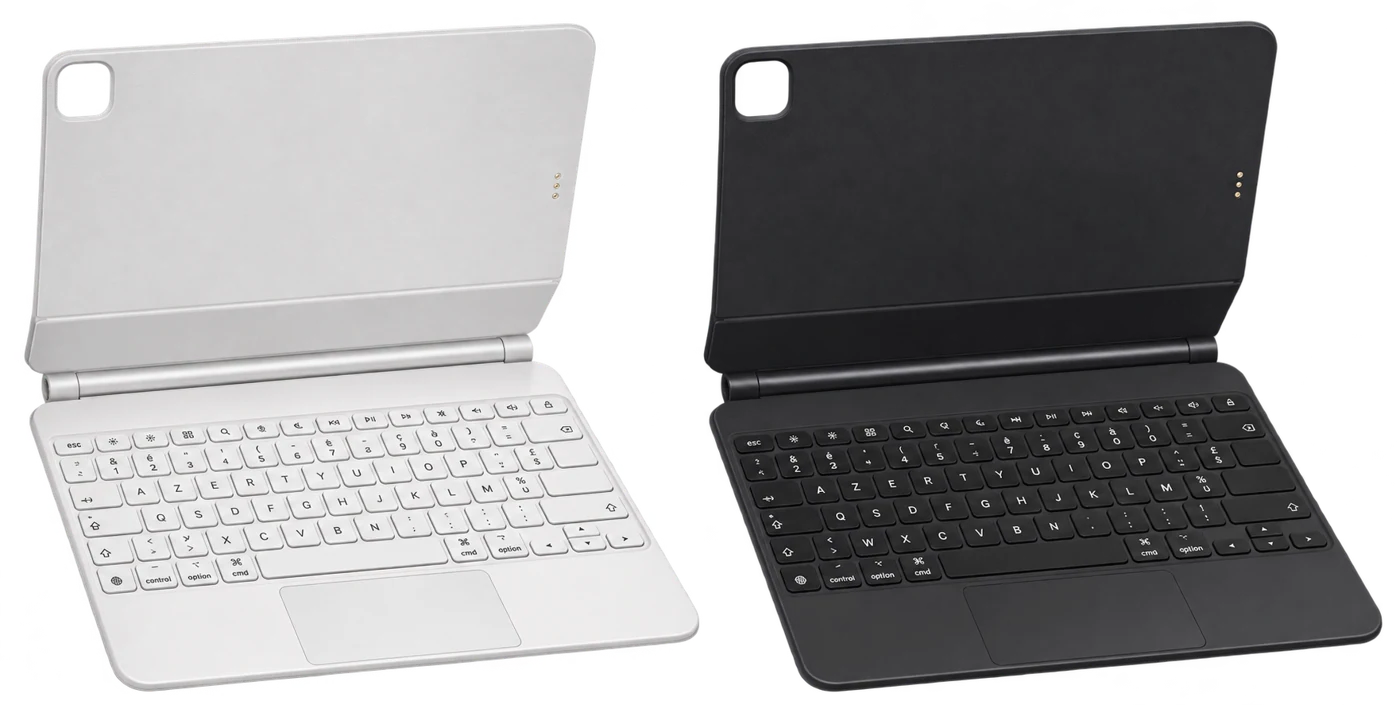

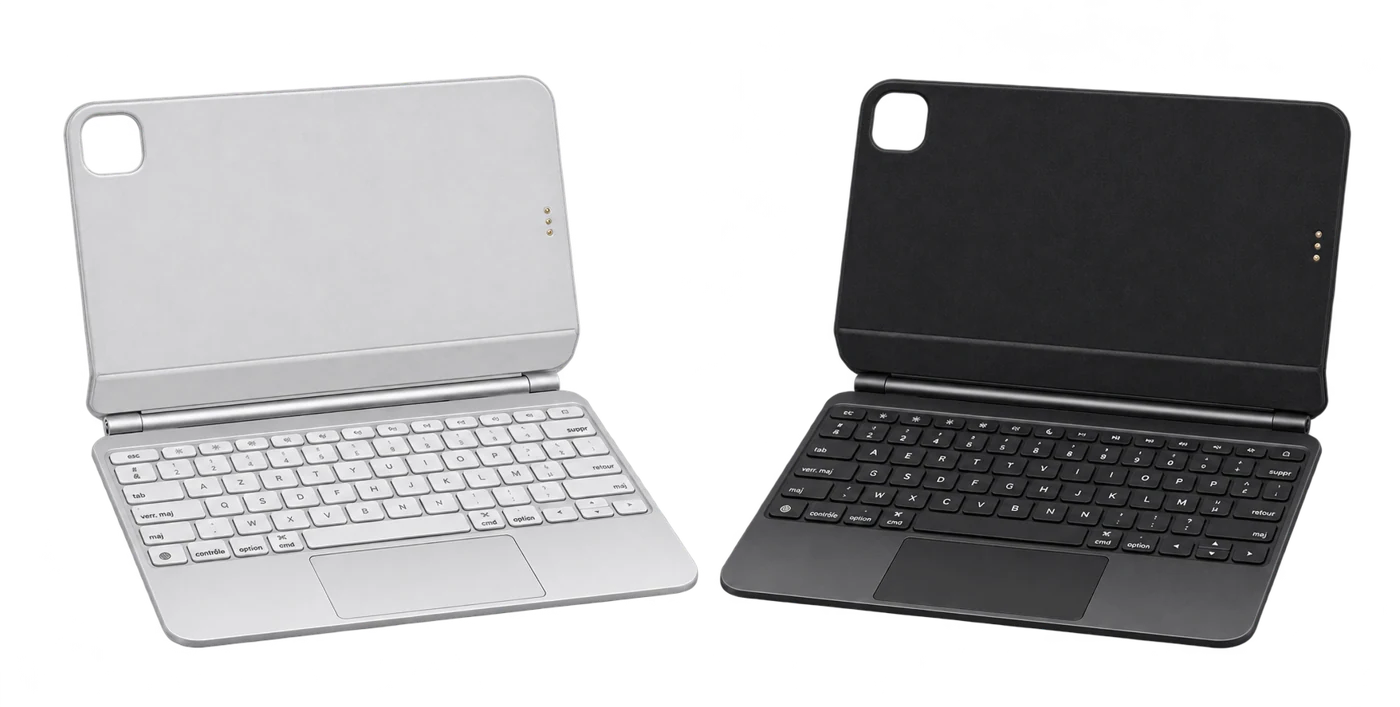
Keyboard and trackpad for a compatible 13-inch iPad Pro, with adjustable viewing angle, direct tablet connection and USB-C pass-through charging.
About this product
Magic Keyboard for iPad Pro 13 adds a physical keyboard, trackpad and support to the 13-inch Pro for typing and navigation across a large workspace. It suits writing, presentation review and organising tasks in iPadOS apps. The adjustable support positions the screen, and closing the accessory covers the tablet’s front and back. The Smart Connector powers the keyboard and carries commands without Bluetooth pairing. The keyboard’s USB-C port lets you recharge the iPad while keeping the tablet port available. The 13-inch model belongs to the M4/M5 Pro family and is not equivalent to the keyboard for the older 12.9-inch Pro.
Main difference: It is the keyboard with a trackpad for compatible 13-inch M4/M5 iPad Pro models, distinct from the older 12.9-inch Pro accessory.
Key highlights
- Physical keys for documents and messages.
- Trackpad for the iPadOS cursor and gestures.
- Adjustable viewing angle.
- Smart Connector connection without a separate battery.
Who it suits
- People who regularly write and work on iPad.
- Students and professionals wanting a keyboard and stand together.
Before you choose
- Screen size alone does not establish compatibility; generation also matters.
- The keyboard’s USB-C port supports charging, not data or video.
- A keyboard does not turn iPad into a macOS or Windows computer.
Battery, charging or power
No separate keyboard battery to charge. It draws power through the iPad’s Smart Connector, and combined use affects tablet battery life.
Compatibility and requirements
The version for 13-inch iPad Pro M4/M5 works only with those iPads in the matching size. The 12.9-inch iPad Pro uses a different part number.
Key specifications
- Compatible iPad
- iPad Pro 13 M4/M5; Pro 12.9 uses a different reference
- Trackpad
- Trackpad for the iPadOS pointer and gestures
- Connection and power
- Smart Connector; powered by iPad, no separate battery
- Charging port
- USB-C for charging iPad; no data or video through the keyboard port
- Stand and form factor
- Adjustable viewing angle
- Contents and required extras
- Keyboard in the selected version/layout; iPad, cable and power adapter separate
Frequently asked questions
Does it need a battery or Bluetooth?
No. A compatible iPad supplies power and communicates through its Smart Connector.
Can I connect a USB drive to the keyboard?
No. That port charges the iPad. Use the tablet’s port or a compatible hub for data.
Magic Keyboard iPad Pro 13
Choose the color to see the storage options.
Keyboard and trackpad for a compatible 13-inch iPad Pro, with adjustable viewing angle, direct tablet connection and USB-C pass-through charging.
About this product
Magic Keyboard for iPad Pro 13 adds a physical keyboard, trackpad and support to the 13-inch Pro for typing and navigation across a large workspace. It suits writing, presentation review and organising tasks in iPadOS apps. The adjustable support positions the screen, and closing the accessory covers the tablet’s front and back. The Smart Connector powers the keyboard and carries commands without Bluetooth pairing. The keyboard’s USB-C port lets you recharge the iPad while keeping the tablet port available. The 13-inch model belongs to the M4/M5 Pro family and is not equivalent to the keyboard for the older 12.9-inch Pro.
Main difference: It is the keyboard with a trackpad for compatible 13-inch M4/M5 iPad Pro models, distinct from the older 12.9-inch Pro accessory.
Key highlights
- Physical keys for documents and messages.
- Trackpad for the iPadOS cursor and gestures.
- Adjustable viewing angle.
- Smart Connector connection without a separate battery.
Who it suits
- People who regularly write and work on iPad.
- Students and professionals wanting a keyboard and stand together.
Before you choose
- Screen size alone does not establish compatibility; generation also matters.
- The keyboard’s USB-C port supports charging, not data or video.
- A keyboard does not turn iPad into a macOS or Windows computer.
Battery, charging or power
No separate keyboard battery to charge. It draws power through the iPad’s Smart Connector, and combined use affects tablet battery life.
Compatibility and requirements
The version for 13-inch iPad Pro M4/M5 works only with those iPads in the matching size. The 12.9-inch iPad Pro uses a different part number.
Key specifications
- Compatible iPad
- iPad Pro 13 M4/M5; Pro 12.9 uses a different reference
- Trackpad
- Trackpad for the iPadOS pointer and gestures
- Connection and power
- Smart Connector; powered by iPad, no separate battery
- Charging port
- USB-C for charging iPad; no data or video through the keyboard port
- Stand and form factor
- Adjustable viewing angle
- Contents and required extras
- Keyboard in the selected version/layout; iPad, cable and power adapter separate
Frequently asked questions
Does it need a battery or Bluetooth?
No. A compatible iPad supplies power and communicates through its Smart Connector.
Can I connect a USB drive to the keyboard?
No. That port charges the iPad. Use the tablet’s port or a compatible hub for data.